Signing In
- Enter your organization’s account address on your web browser.
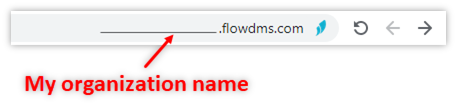
For example: toyota.flowdms.com
- Enter your email address or username, type in your password, and then click [Sign in].
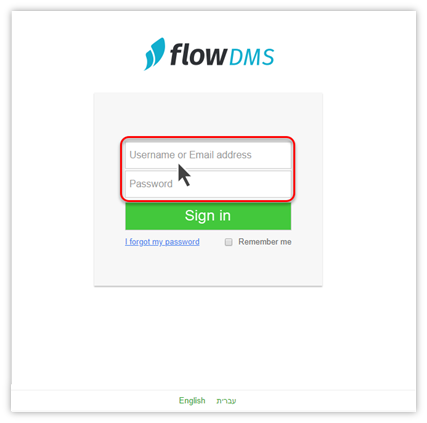
Having trouble signing in?
If you get the message “The email or password you entered is incorrect” try checking these things:
- Email: Is your email address written correctly?
Are you using the right email address or user name? Contact your system administrator to find out, or to update your Flow email address.
2. Password
- Make sure you’re typing in the right language
- Passwords are case-sensitive. Make sure you’re using the right capitalization
- Try typing the password again slowly, one character at a time
Still having trouble?
Reset your password by clicking [I forgot my password]. For more information, see Resetting or Changing your Password